Difference between revisions of "Manage Scheduled Task (Cron Jobs)"
From Hostek.com Wiki
(Created page with "<h1>Manage Scheduled Task (Cron Jobs)</h1> <p>In this wiki, you’ll learn how to create a ColdFusion scheduled task within your WCP.</p> '''''ColdFusion Scheduled Tasks ena...") |
(No difference)
|
Revision as of 12:40, 31 July 2017
Manage Scheduled Task (Cron Jobs)
In this wiki, you’ll learn how to create a ColdFusion scheduled task within your WCP.
ColdFusion Scheduled Tasks enable you to schedule any ColdFusion template to run at any time.
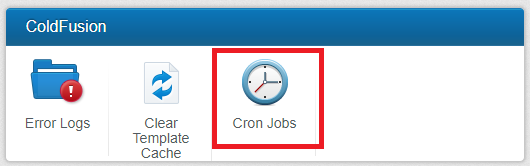
In the ‘ColdFusion’ section, click the ‘Cron Jobs’ icon.
You can now choose to create a new scheduled task or edit an existing task.
To create a new scheduled task you will click the 'Add' button.

To edit an existing scheduled task you will click the 'pencil' icon.

You will now enter the specific information for your scheduled task.
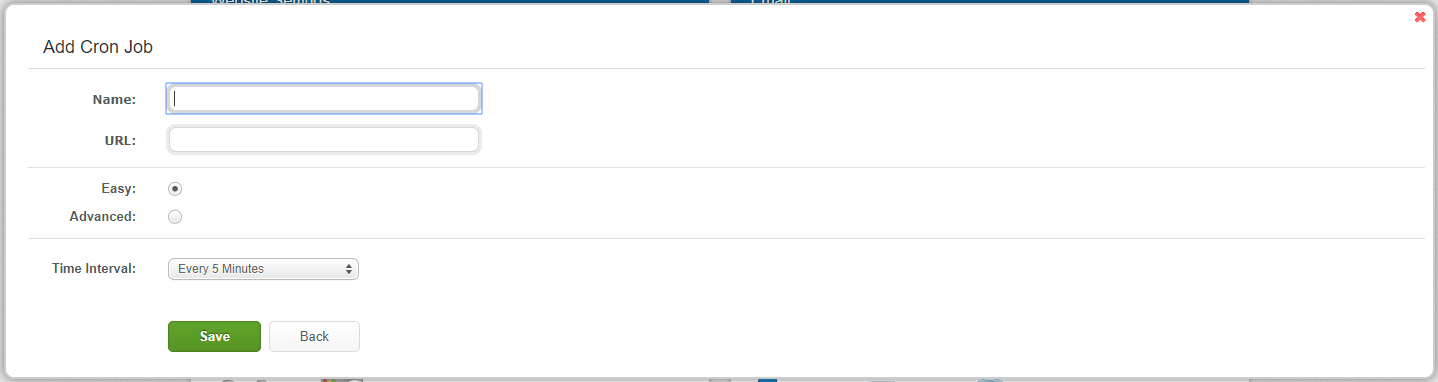
- 'Name'
- 'URL'
- 'Easy'
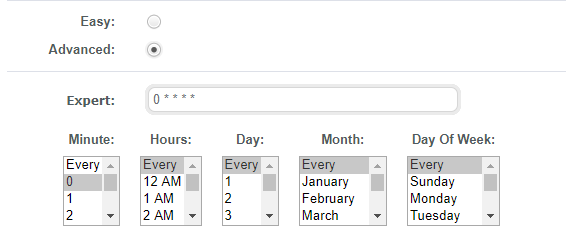
- 'Advanced'
- 'Save'
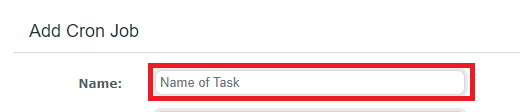
Enter the name of your task.
Enter the URL your task will run.

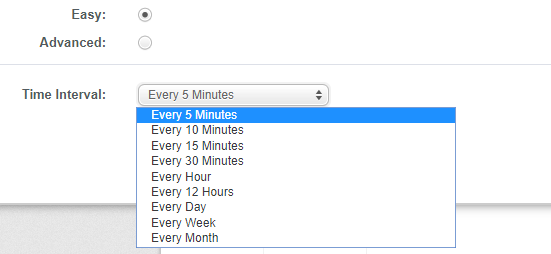
Choose time enterval from drop down.
Allows you to run task at any specific minute, hour, day, month or specific day of the week.